Nesta página
Pontos principais
- The June release introduced audio guides, Daily Omikuji, blessingbased discovery, bulk photo import, and a clearer Explore map.
- Our June 26, 2026 announcement introduced Goshuin Atlas 2.2.0. Audio guides and Daily Omikuji arrived alongside changes to photos and the Explore map. It followed the community launch in version 2.0.
- Audio guides launched for a selection of temples and shrines. They bring historical context and cultural details into a listening experience.
Our June 26, 2026 announcement introduced Goshuin Atlas 2.2.0. Audio guides and Daily Omikuji arrived alongside changes to photos and the Explore map. It followed the community launch in version 2.0.0, with more attention to what you can do before, during and after a visit.
Listen to the place you are visiting
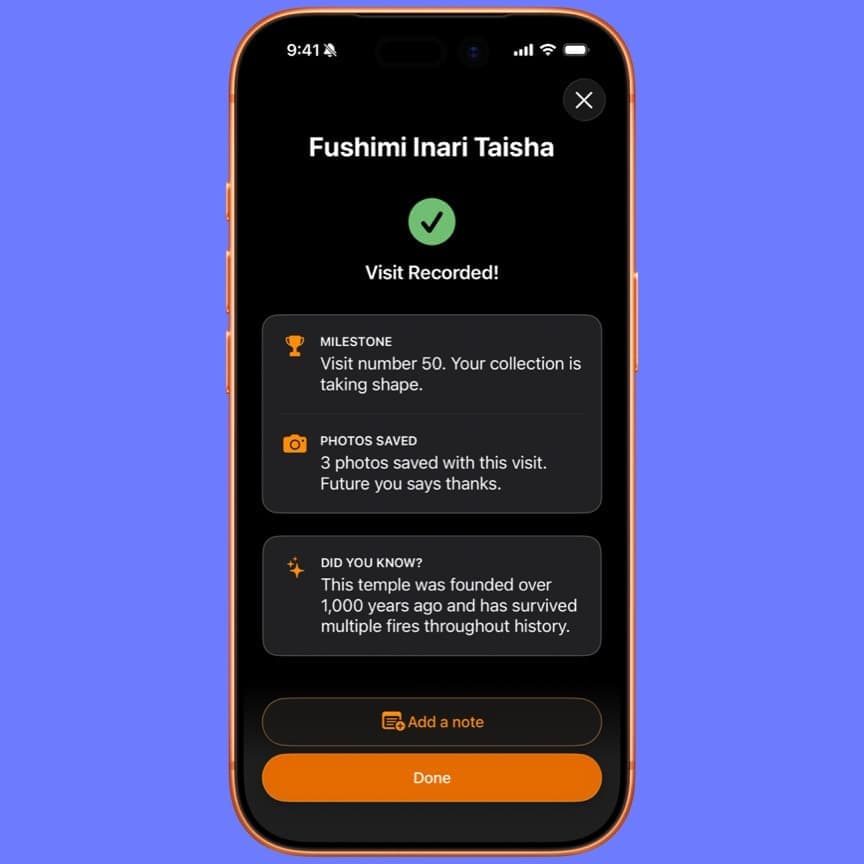
Audio guides launched for a selection of temples and shrines. They bring historical context and cultural details into a listening experience. The announcement pointed to Fushimi Inari Taisha as an example of the intended direction.
The initial guides were English-only, and some used the iPhone's built-in voices. The first two tracks were free; Pro offered the remaining available tracks and offline downloads. These details describe the June launch, so check current Pro information for today's access conditions.
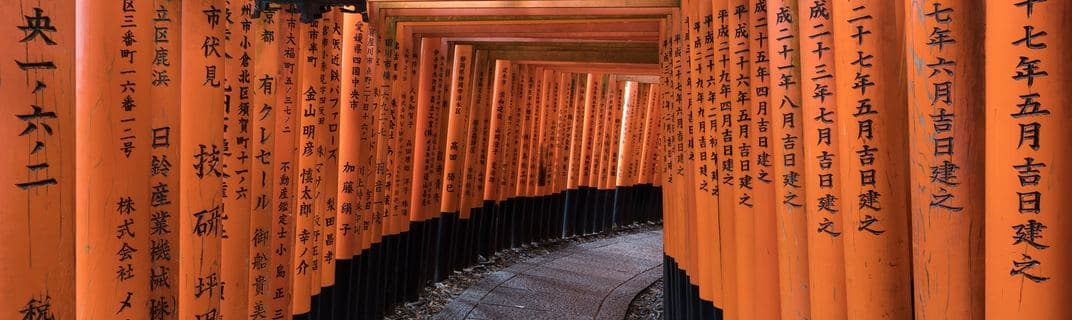
Fushimi Inari Taisha was the example highlighted in the audio guide announcement.
Audio guide tracks as shown in the June announcement.
The audio guide player from the 2.2.0 release.
A daily moment with omikuji
Omikuji (おみくじ, omikuji) are fortune slips drawn at Japanese temples and shrines. Daily Omikuji introduced an in-app version as a small opportunity for reflection.
The original release placed it in Discover near the notifications control. It complements an interest in the custom; it does not replace the experience of drawing an omikuji during a visit. Our guide to sacred items offers more cultural context.
The Daily Omikuji entry point shown in the June announcement.
An omikuji result from the 2.2.0 release.
Discover through blessings
The release added another way to choose a destination: the blessing traditionally associated with it. You could explore places connected with health, study, relationships or safe travel, rather than starting only with a location.
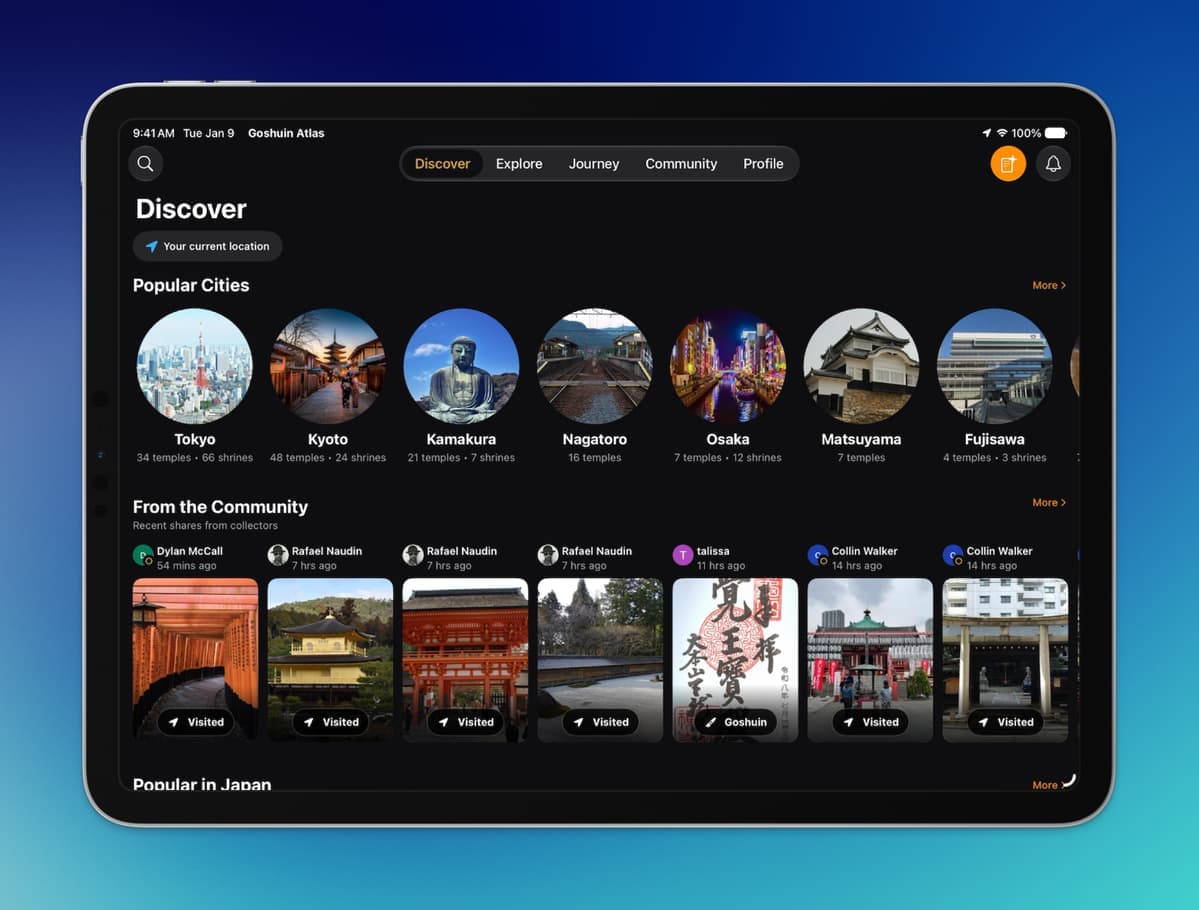
Discovering places by their traditionally associated blessing.
This approach is about the traditions of a place. An association with a blessing is not a promised outcome. Browse the temple and shrine catalogue to learn more about individual places before choosing where to visit.
Bring a trip's photos together
Bulk photo import made it possible to add several photographs at once, with the app helping match them to nearby places. It could also suggest a new check-in for a place you had not recorded visiting.
Manual uploads remained available. The new option was especially useful after a day with several stops, when a camera roll held more memories than you wanted to sort individually.
Bulk photo import, reached from the Photos section of a profile.
Imported photos matched to nearby temples and shrines.
A clearer map and more consistent controls
Search moved directly onto the Explore map. Common filters became easier to reach, with additional options kept in the filter control.
Search and common filters on the Explore map in version 2.2.0.
The release adjusted colours and contrast and improved scrolling. Onboarding received attention too, and community-post bookmarks became persistent. Together, these changes made everyday exploration easier to follow.
Get the current version on the App Store. This article preserves the June announcement, with its launch limitations, as part of the app's update history.